Playground Setup
In this section, we are going to do playground setup. Basically a setup which allow developers to understand and play around with various features of Hagrid with docker based setup.
Pre-requisite
Below are the pre-requisite for setup up playground setup
- Docker - We need docker as we simulate various third-party calls via docker containers etc.
- IDE - Any IDE like
vscodeorintellijwould be good enough.
Get Started
With every released version of Hagrid, we release its initializer i.e fully functional code which would use that version of Hagrid. Main idea was to make it easy for developers to understand the new features added in this release. This idea is taken from spring initializer
So now, go to Hagrid repository at hagrid-repo, switch to branch hagrid/initializer branch
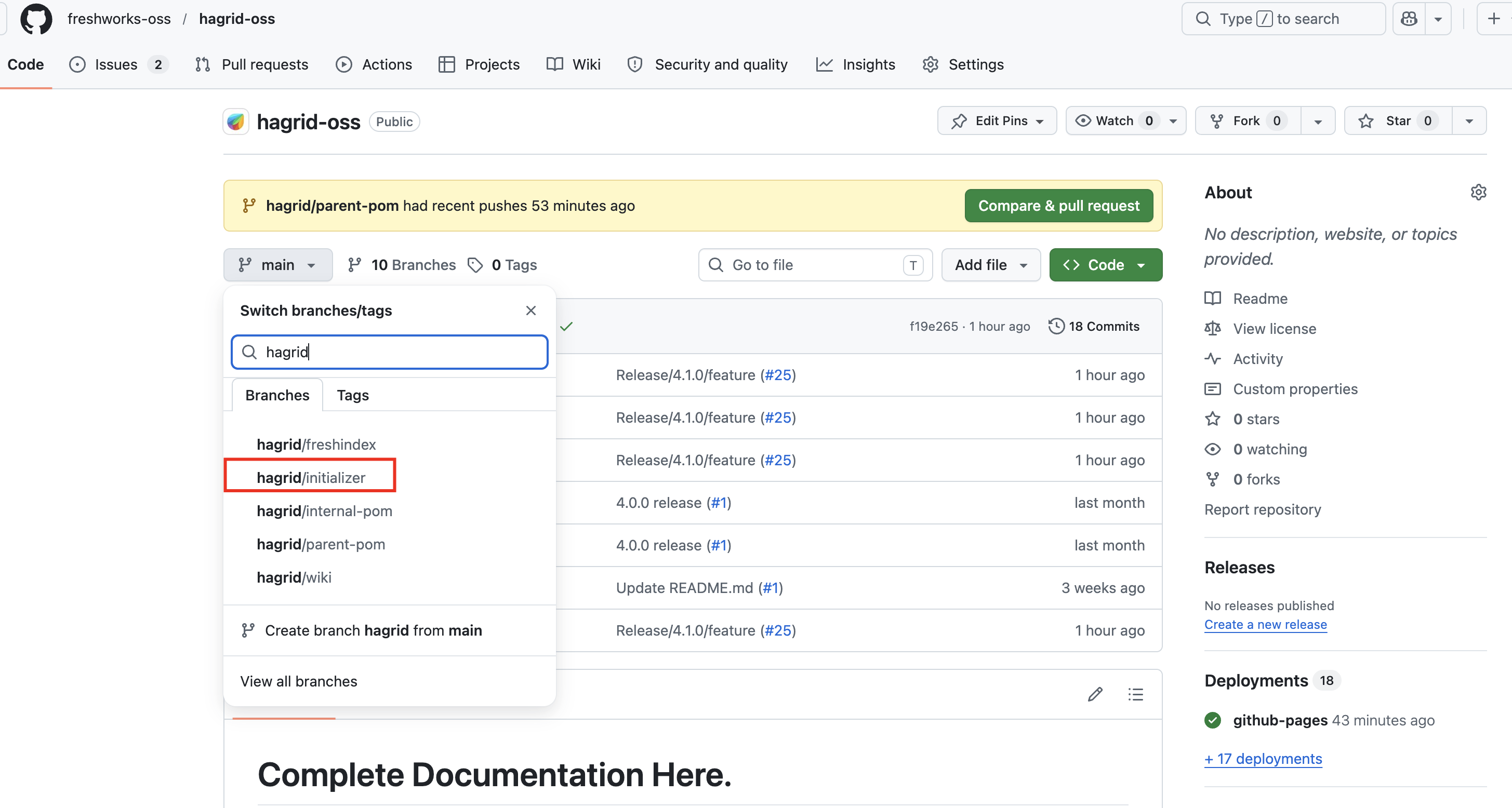
Checkout that branch on your local like below
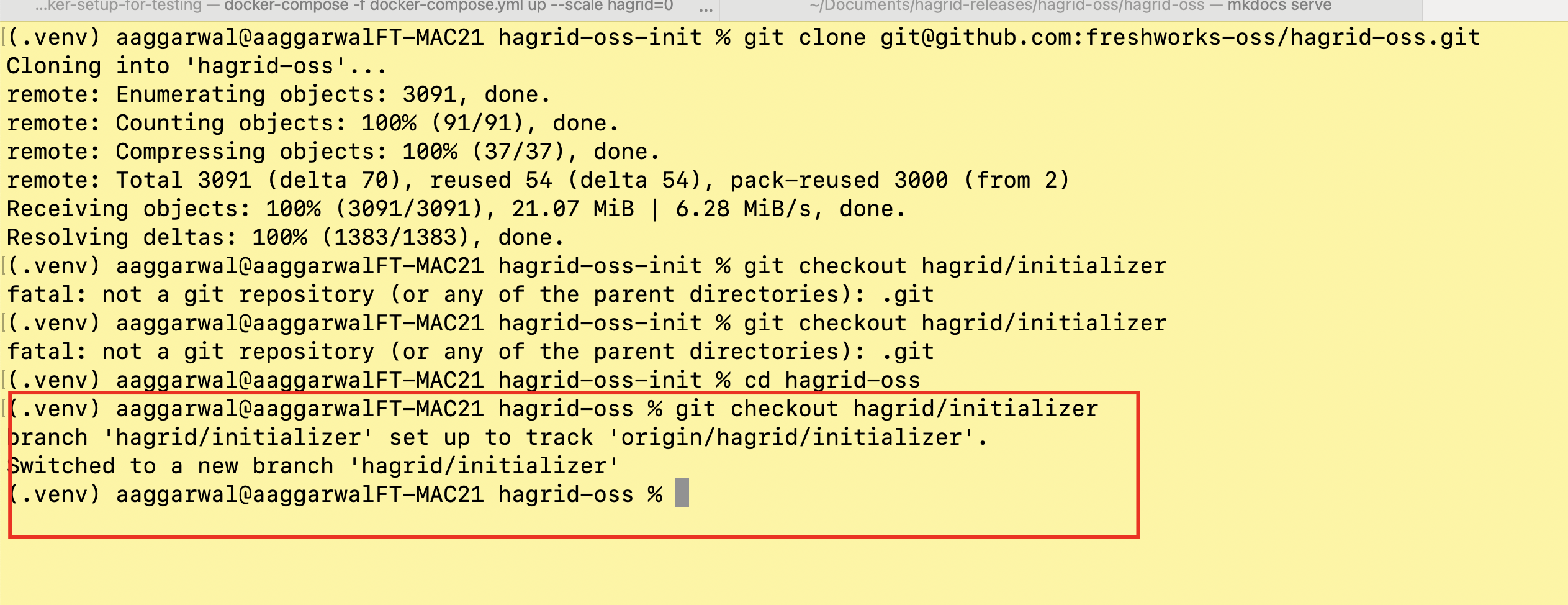
Next, look at the directory docker-setup-for-testing. This directory contains following containers
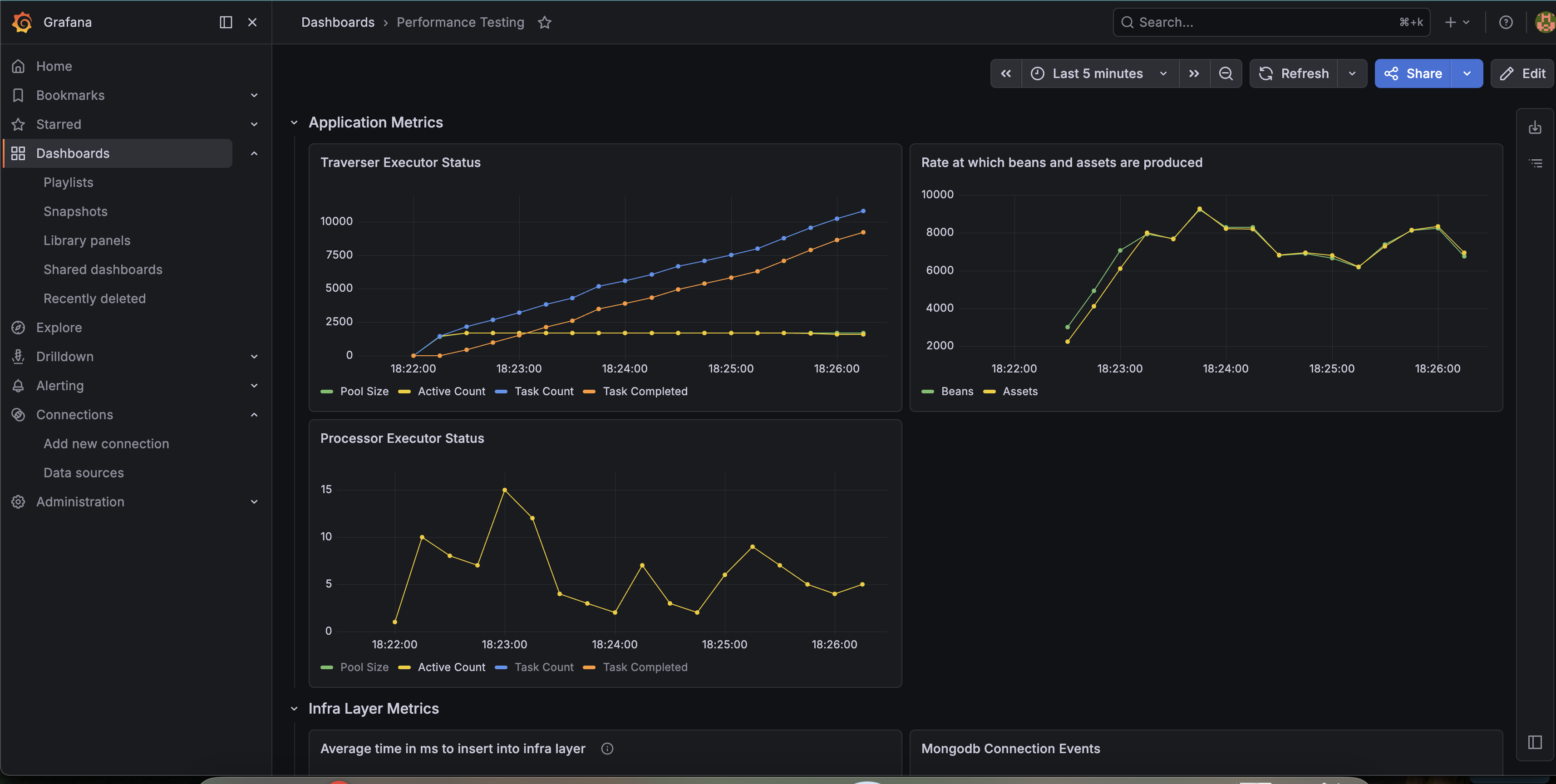
Django- It acts as third-party server which has dummy APIs to simulatefacebookapi caseGrafanaANDPrometheus- It is used to view metrics that Hagrid generated while fetching data from third-party.
So basically, we are going to run Hagrid on our local computer and it will connect with django , grafana , prometheus inside docker.
Architecture would be something like this
After this you should be able to access following services
Access Grafana on http://localhost:9091
- Username would be
admin - Password would be
amit- You can change it fromdocker-compose.ymlthat comes along with Hagrid intializer
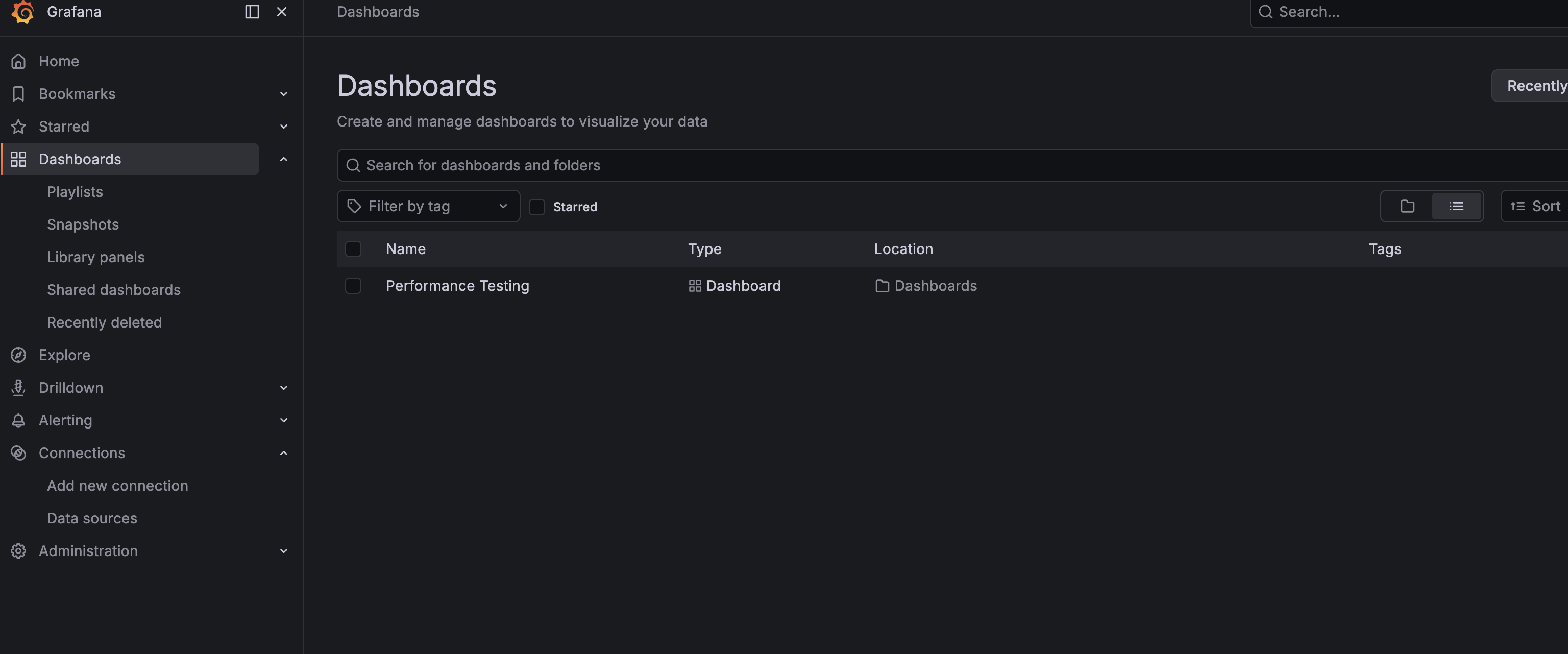
After login to granfa, you may not be seeing the dashboard performance testing out of the box.
If so then please import the dashboard from this json grafana Dashboard json
We have already set prometheus to scan metrics from host.docker.internal:8080 in docker-compose.yml
Once above metric setup is ready then next is to run Hagrid like below
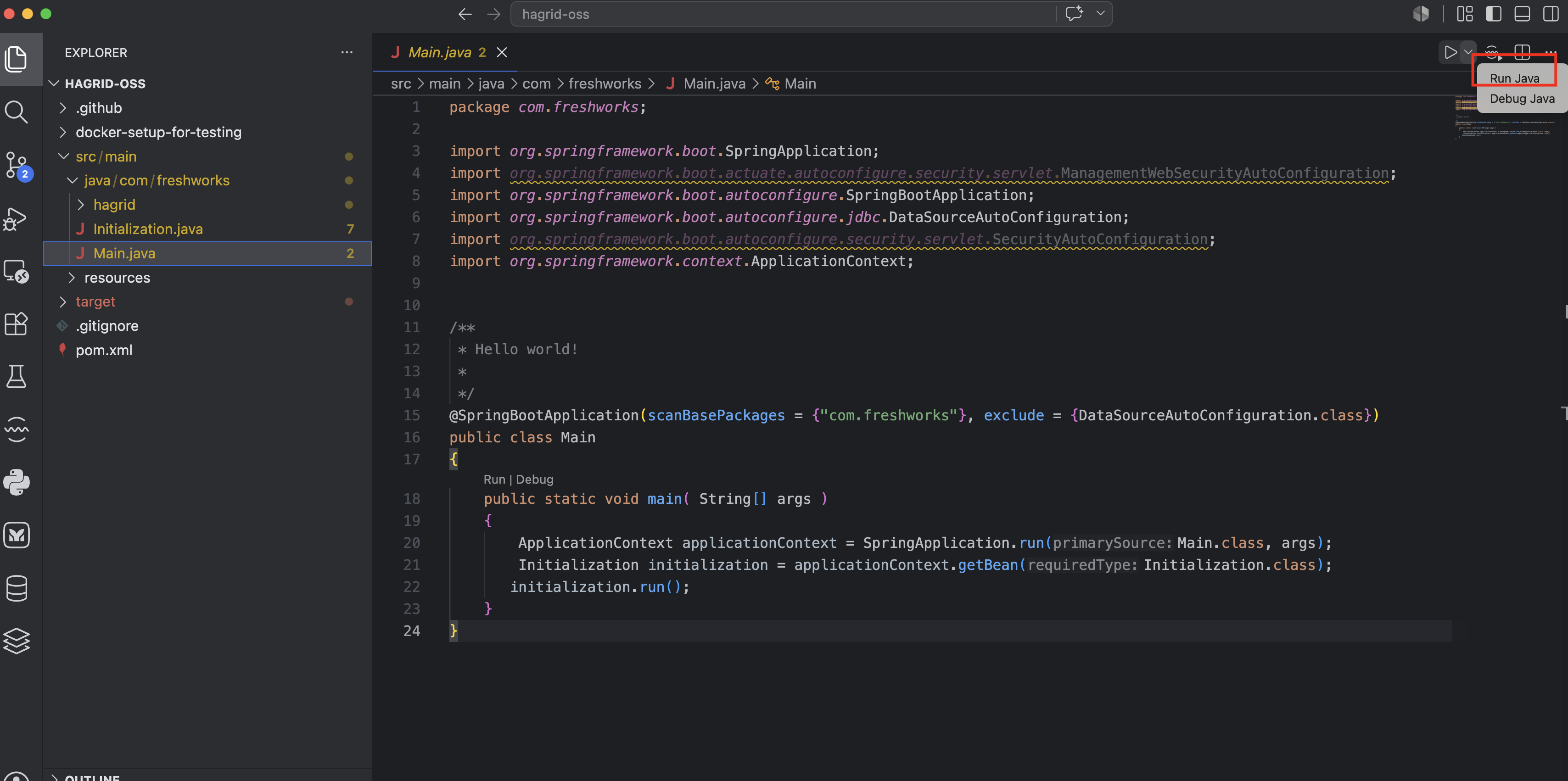
Hagrid in progress
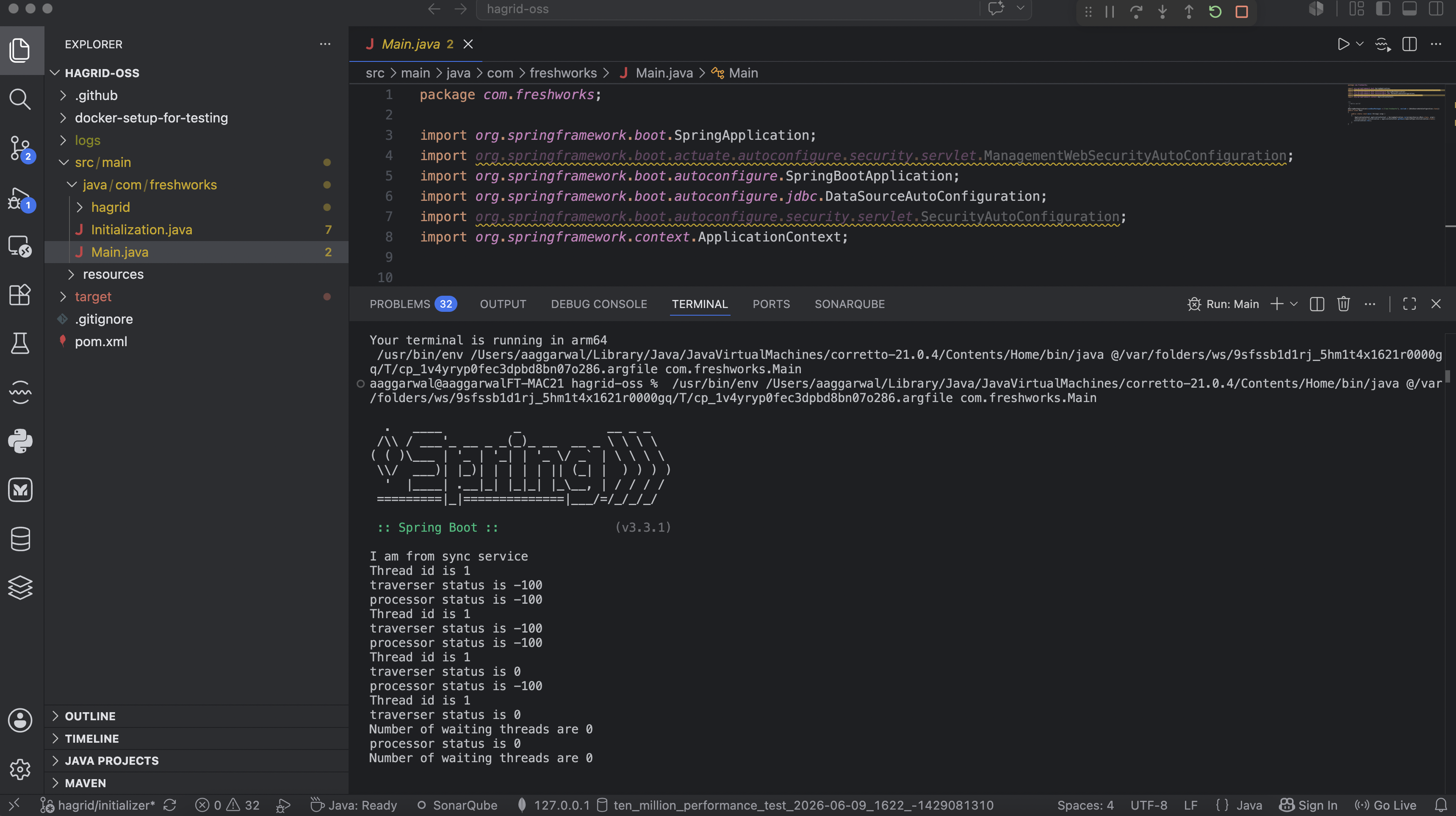
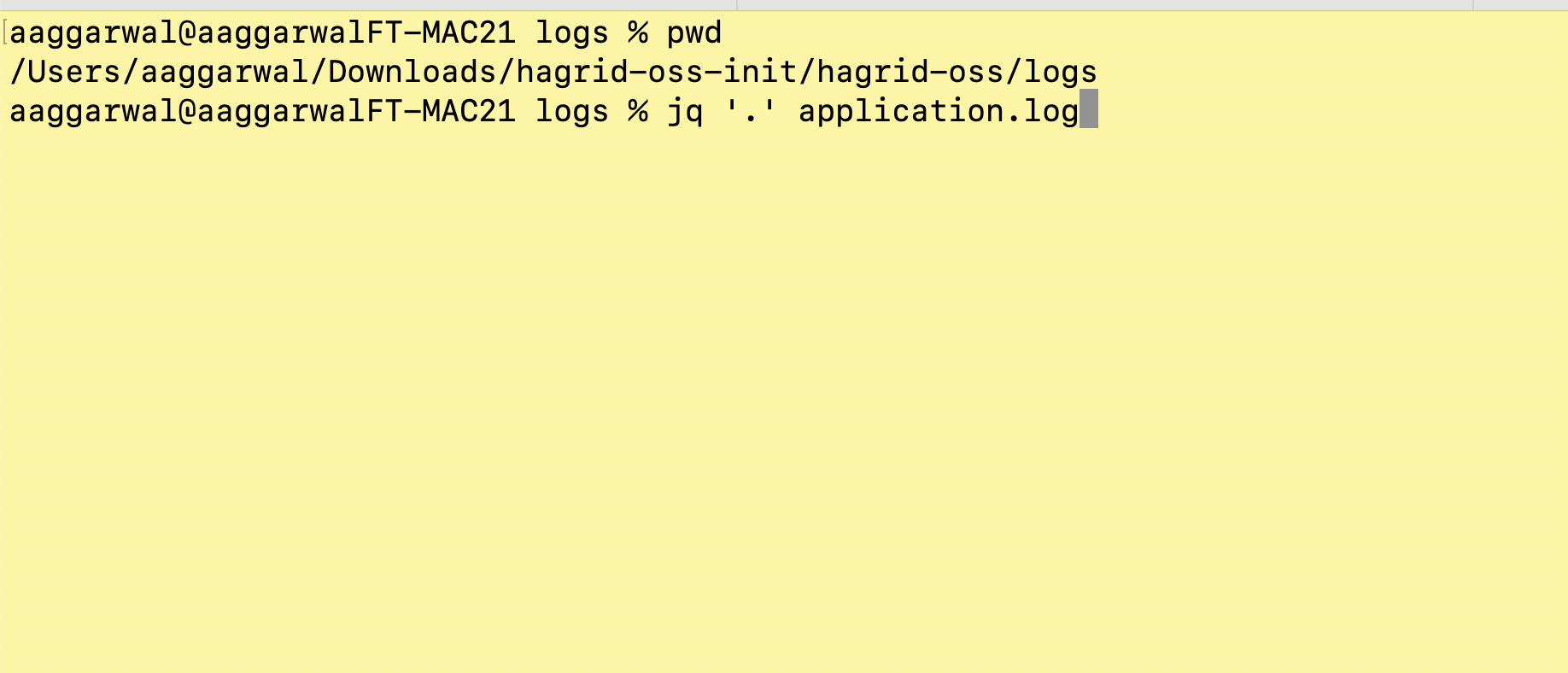
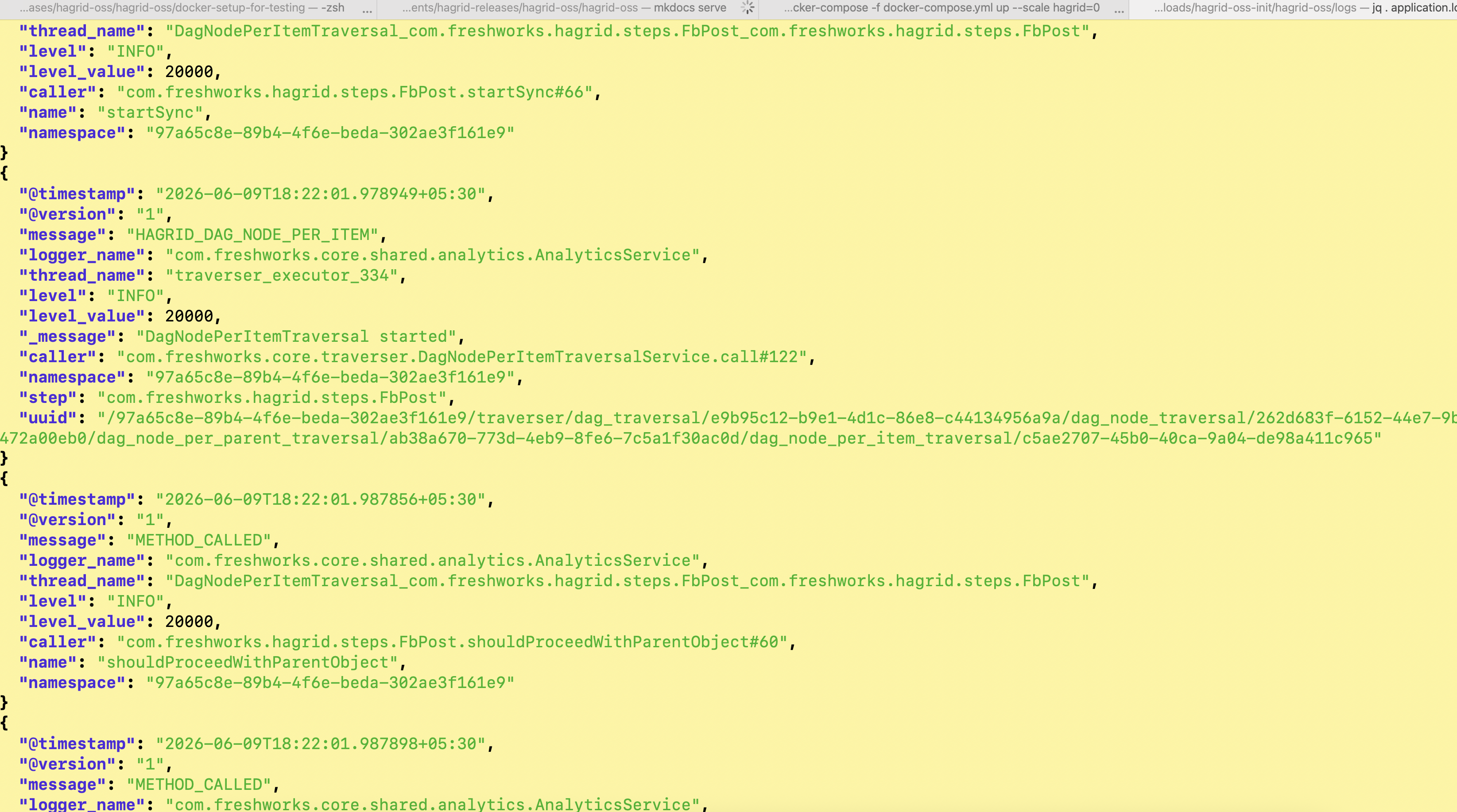
Hagrid logs
Checkout grafana metrics
Note
If you are still facing any kind of issue, please send your query at users-hagrid@googlegroups.com so that any one from community can answer.